- Published
- Updated
Maintainable PHP development and modernization
Most PHP work I am asked to do is on a system that already earns money: a WordPress site, a Laravel project, a custom booking flow, a payment integration, or an admin tool the staff use every day. The job is to fix, extend, or upgrade it without breaking what the business depends on.
I know that situation from the inside. I built and maintained the PHP booking engine behind Thailand-villas.com from 2001 until the platform was sold in 2022, and from 2011 the PHP system behind klik.villas, a property management system for villa rentals. Both stayed in production while PHP, search engines, booking channels, and customer expectations changed around them. That is the perspective behind the advice below.
One codebase through two decades of PHP
The booking engine behind Thailand-villas.com started on PHP 4, written the way most PHP was written then: procedural scripts sharing code through includes. There was no Composer, no framework most developers reached for, and the object model that PHP 5 introduced in 2004 did not exist yet.
That style was quick to build with and easy to deploy, and the platform ran on it for years. The hard part came later, when the language moved on and the code had to follow while bookings kept arriving.
Database access is the clearest example. The code later moved to PDO, the database layer that has shipped with PHP since version 5.1. Prepared statements with bound parameters gave every query the same, safer way of handling input, and one consistent interface to the database. It also removed a dependency that would have blocked upgrades: the old mysql_* functions were removed entirely in PHP 7.0, so code that still used them could not run on newer versions at all.
That is the pattern with most long-lived PHP. The language rarely forces a rewrite, but each generation retires something older code depends on. The question for the owner is whether that code is replaced deliberately, one area at a time, or discovered the day a hosting provider switches off an old PHP version. For the language side of the story, see PHP’s history, from personal tools to a modern language.
Having carried my own code through those changes, that is the work I do on other people’s PHP as well. I find the code that depends on features the next version removes or changes, adapt it, and test the important workflows on the target version before the switch, so a new PHP release does not become the thing that blocks the business. How I run that is described in treating a PHP upgrade as a controlled project.
What a long-lived PHP system teaches you
Twenty-one years on one codebase leaves a few firm opinions.
Working code holds knowledge nobody wrote down. An older booking engine contains pricing rules, availability edge cases, and administrative shortcuts that exist because someone once needed them. Rewriting from scratch means rediscovering all of them, usually in production.
Improvements have to arrive in small pieces. Keeping Thailand-villas.com running for two decades took gradual improvements that preserved working business processes while the technology underneath them changed.
Integrations change more than your own code does. The klik.villas channel integrations with Booking.com, Agoda, and Rentals United had to handle data formats and availability rules that changed on the other side. Defensive handling at those boundaries mattered more than elegance in the core.
The right structure depends on the period. The location-specific domains that suited Thailand-villas.com in the 2000s would be a questionable choice today. Decisions should be revisited as the environment changes, not copied from what worked before.
Typical PHP work
- Fixing faults in existing PHP code
- Improving WordPress themes, plugins, and admin workflows
- Maintaining Laravel applications
- Upgrading unsupported PHP versions safely
- Connecting booking, CRM, payment, or email systems
- Improving performance in PHP, MySQL, caching, or frontend output
- Stabilizing fragile code before it becomes expensive to change
- Adding features without rebuilding the whole system
Rank the risks before changing anything
Age alone tells you little about an application. What matters is what makes it difficult or dangerous to maintain:
- An unsupported PHP runtime or abandoned dependencies
- No reliable local or staging environment
- Manual deployment with no tested rollback process
- Important behavior without automated tests
- Database changes made directly in production
- Business logic mixed into templates and request handlers
- Integrations without logs, retries, or clear ownership
- Security assumptions that no longer match current use
- Knowledge held by one person or visible only in the code
Rank them by operational impact. A runtime exposed to the internet without security support is more urgent than inconsistent naming. A fragile payment or booking integration deserves attention before a broad code-style cleanup.
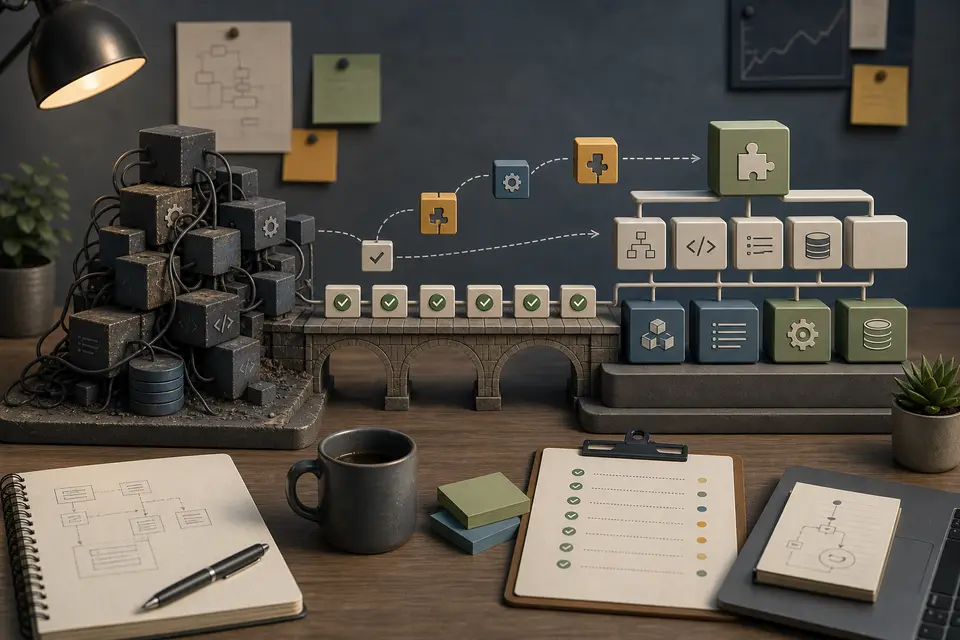
Map the system before changing it
Create an inventory of the application:
- Entry points, routes, scheduled jobs, and command-line tasks
- Databases, tables, files, and external storage
- Authentication, permissions, and administrative tools
- APIs, webhooks, email, payment, and third-party integrations
- Hosting, deployment, queues, and background workers
- Critical customer and staff workflows
- Dependencies and their version constraints
Do not assume code is safe to remove because it looks unused. Established systems often contain monthly jobs, rare administration actions, or partner integrations that never show up during ordinary browsing. Logs, server configuration, database activity, and conversations with the people using the system confirm what actually runs.
Make behavior visible before refactoring
Modernization is safer when changes can be followed in production. Before broad refactoring, improve error and exception logging, visibility into scheduled jobs and queues, monitoring of important endpoints, alerts for repeated failures, backup verification, and deployment history.
Logs must not expose credentials, personal data, or other sensitive information. They should show what failed, where, and which business action was affected. Better observability also reveals existing faults that would otherwise be blamed on new work.
An older application may not have been designed for automated testing, but testing does not have to wait for a rewrite. Start with characterization tests that pin down behavior already in use:
- Login and permission checks
- Pricing and calculations
- Orders, bookings, and enquiry creation
- Imports, exports, and scheduled jobs
- API and webhook behavior
- Critical reports
Tests at an HTTP, command, service, or database boundary give useful protection even when the internal code is tightly coupled. Coverage percentages matter far less than knowing that the workflows people rely on still behave the same.
Treat a PHP-version upgrade as a controlled project
A version selector in a hosting panel makes the final switch look simple. The preparation is what makes it safe. WordPress plugins, custom themes, Laravel code, Composer packages, cron jobs, server extensions, and payment or booking integrations can all depend on PHP behavior.
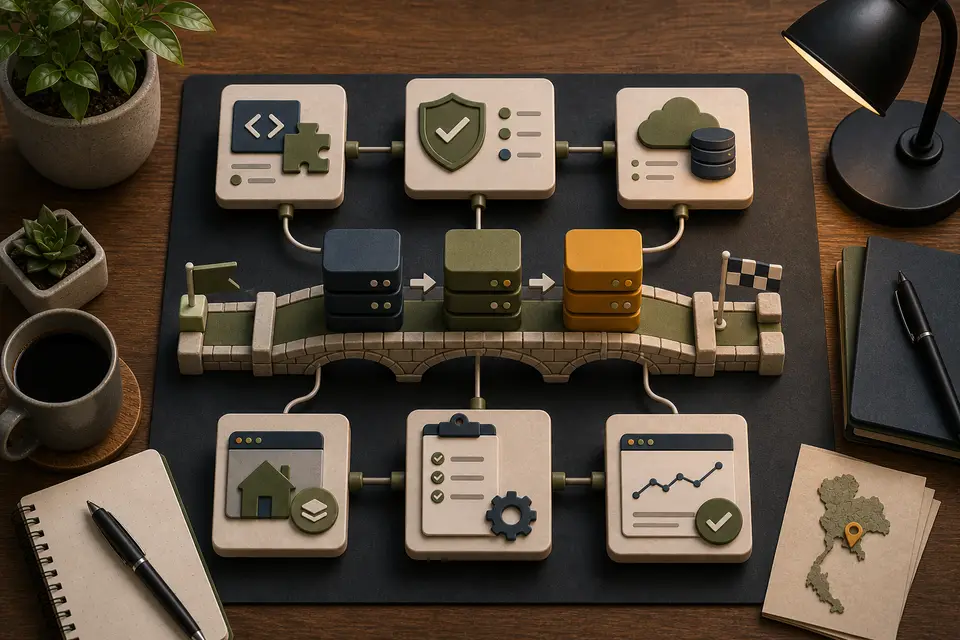
Before changing the runtime, record the production PHP version and extensions, then identify everything that runs on PHP. Check the current lifecycle on the official PHP supported versions page rather than relying on an old project note.
A controlled upgrade normally follows this sequence:
- Review application, plugin, theme, and dependency compatibility.
- Prepare current backups and verify how restoration works.
- Reproduce the system in a development environment or a representative clone.
- Enable strict error reporting in that controlled environment.
- Fix deprecations, incompatible behavior, and unsupported libraries.
- Test representative workflows on the target PHP version.
- Deploy with monitoring and a rollback or forward-fix plan ready.
- Test the critical workflows again after the production switch.
Test the flows that create revenue or enquiries first: forms, checkout, booking, login, admin editing, search, API callbacks, and custom reports.
Keep the runtime upgrade separate from unrelated architecture changes. A focused upgrade makes compatibility problems easier to identify and limits how much behavior changes at once.
Bring dependencies under control
Some older PHP applications contain copied libraries, manually edited vendor code, or dependencies nobody has reviewed for years.
Create an explicit dependency inventory. Move manageable packages into Composer, remove packages only when their lack of use has been confirmed, and identify abandoned libraries that need replacement or isolation. Update in controlled groups, read upgrade notes, review transitive dependencies, and test the behavior that uses each package.
Do not edit installed vendor files to make an update pass. The patch disappears on the next installation and leaves the real compatibility problem in place. If a dependency cannot be replaced immediately, isolate it behind a clear boundary so less of the application depends on it directly.
Create boundaries around difficult code
Legacy code becomes easier to modernize when new and changed behavior stays out of its most tangled areas. Useful boundaries include:
- A service around an external API
- A repository around complex database access
- A dedicated class for pricing or validation
- An adapter around an old library
- A queue job around slow external work
- A new endpoint or module beside an older implementation
Each boundary gives an important piece of behavior one understandable place and reduces the number of files that must change together. Modern design patterns are useful only where they do that.
Change the database and deployment process carefully
Old and new application versions may briefly run against the same schema during a deployment, so database changes carry high risk. Prefer backward-compatible steps:
- Add a new column or table without removing the old structure.
- Deploy code that can work during the transition.
- Migrate or backfill data in controlled batches.
- Confirm that the new path is stable.
- Remove old code and schema only when nothing uses them.
Large data migrations should be observable, resumable, and tested with realistic data volumes. A migration that succeeds on a small development database may lock tables or exceed deployment time limits in production. A backup only protects you when restoration has been tested and the recovery time is known.
The release process should be repeatable as well: version-controlled changes, consistent dependency installation, automated checks, environment-specific configuration, tracked database migrations, deployment logs, health checks, and a tested recovery plan. Smaller releases reduce risk and make a fault easier to connect to a specific change.
Refactor where work is already happening
Broad cleanup projects tend to consume time without improving the parts of the system that matter. Refactor when there is a concrete reason: a fault exposes unclear responsibility, a feature would duplicate difficult code, a dependency needs isolation, a slow operation needs a clearer boundary, or a security problem requires a safer implementation.
Some areas are better replaced than repaired. A bounded rewrite makes sense when the module has a clear interface, its existing behavior can be tested, the replacement solves a concrete problem, data migration and rollback are manageable, and old and new implementations can be compared before the old one is removed.
An import process, reporting module, search function, administration screen, or isolated integration may fit that description. Replacing one understood module is a very different undertaking from rebuilding the entire application. The guide to improving a website without a full rebuild covers that decision in more depth.
WordPress, Laravel, and custom PHP
WordPress work often involves plugins, themes, performance, database cleanup, forms, search, checkout, or editor workflows. Custom WordPress development and troubleshooting covers it directly.
Laravel work commonly involves routes, queues, scheduled tasks, APIs, authentication, data models, and deployment. See Laravel development and maintenance.
Custom PHP may be older code without a formal framework. That does not automatically make it a replacement candidate. Stabilizing risky areas, protecting important flows with tests, upgrading PHP, and improving the code gradually is often the more controlled path.
When a request is slow, measure where it spends its time before blaming PHP: database queries, object and page caching, external APIs, images, JavaScript, and hosting are all candidates.
APIs and business workflows
Many PHP systems become business-critical because they connect booking engines, calendars, payment providers, CRMs, email services, property data, or reporting. klik.villas is a typical example: reservations, rental income, expenses, maintenance, and external booking channels all met in one PHP application.
Reliable API work requires retries, logging, idempotency, validation, and clear failure handling. A request that works once in development is not enough. The guide to reliable API integrations explains those patterns in more detail.
A phased modernization roadmap
A practical plan usually starts with safety and ends with structural improvement:
- Inventory the system and rank operational risks.
- Improve backups, logging, monitoring, and deployment visibility.
- Protect critical workflows with tests.
- Move to a supported PHP version.
- Bring dependencies under controlled management.
- Isolate fragile integrations and business rules.
- Refactor or replace bounded areas as real work reaches them.
- Measure whether reliability, maintenance, and delivery improve.
At the end of that plan the application may still look old in places. It will be safer to operate, easier to understand, and easier to change, with the valuable behavior still inside it. If an existing PHP system needs that kind of work, send me a short description of the system, the affected workflow, and the current risk.