- Published
- Updated
ChatGPT vs Claude: Why Using Only One AI Limits You
Yesterday I spent almost an hour asking an AI to do something simple: convert a PHP layout to Astro, keep TailwindCSS, and do not change styling. Instead, it rewrote parts of the layout, introduced custom CSS, and “improved” things I did not ask for.
If that sounds familiar, you are not alone. ChatGPT and Claude are now part of everyday development, but the useful question is no longer which one is best. The better question is: what kind of help do you need right now?
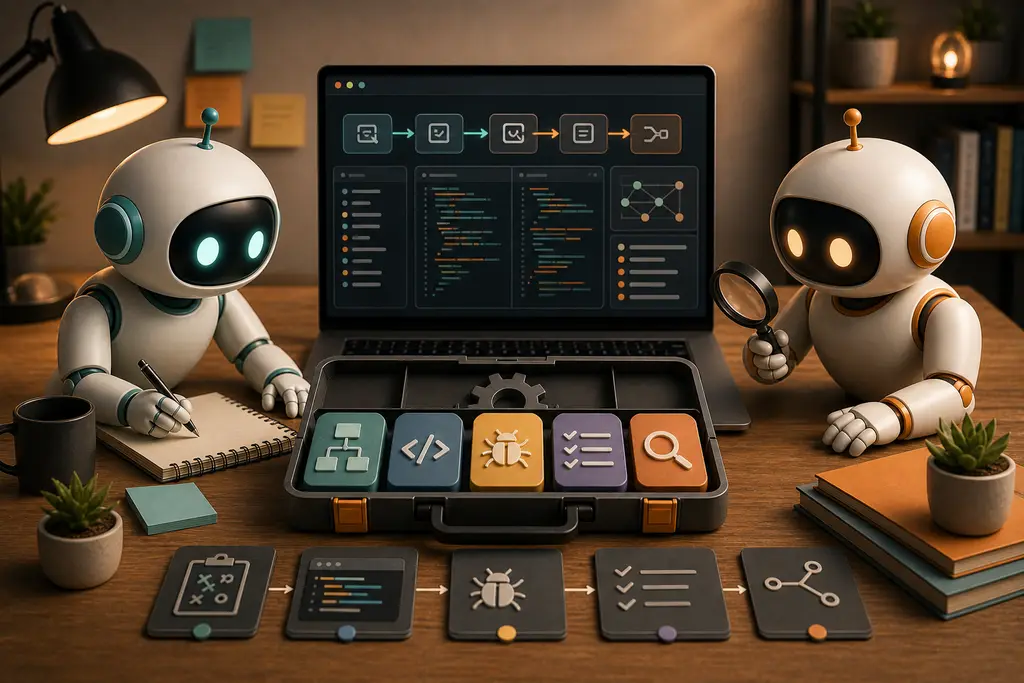
There is no real versus
“ChatGPT vs Claude” is a useful search phrase, but it is not a useful way to work. If you choose one AI and force every task through it, you limit yourself.
In 2026, the comparison is not only between two chat interfaces. Developers also use tools such as OpenAI Codex and Claude Code, where the AI can work inside a development workflow instead of only answering in a browser tab.
That changes the decision. The important difference is not just ChatGPT versus Claude. It is context, constraints, tool access, repo access, testing, and how much freedom you give the model.
The right question is not:
- Which AI is best?
The useful question is:
- Which AI, in which mode, with which context, is best for this task?
What still differs in practice
There are still patterns. They are not fixed rules, and they change with the model, product surface, prompt, and available tools. But in day-to-day development, the differences are visible enough to matter.
Claude often feels strongest when the task is tightly defined. If you need a layout preserved, a component converted, a long file refactored carefully, or a design system respected, Claude is often good at staying close to the specification.
ChatGPT often feels strongest when the problem is less defined. If you are diagnosing a strange production issue, planning architecture, comparing approaches, connecting frontend, backend, hosting, SEO, caching, and deployment details, ChatGPT is often good at reasoning across the whole system.
That does not mean Claude cannot reason. It can. It also does not mean ChatGPT cannot execute precisely. It can. The mistake is treating either behavior as guaranteed.
A code migration example
Imagine the task is: “Convert this PHP layout to Astro using TailwindCSS.”
If the real requirement is to preserve the existing layout, the prompt needs to say that clearly. The existing HTML and Tailwind classes are the specification. The AI should not redesign, optimize, introduce custom CSS, or restructure the page unless you explicitly ask for that.
For that kind of task, Claude may be a good fit because it often handles controlled implementation well. But ChatGPT or Codex can also do the work if you constrain the task properly and review the diff carefully.
If the real requirement is broader, the workflow changes. Maybe you want to know whether the PHP structure maps cleanly to Astro components. Maybe you want to split repeated blocks into reusable components. Maybe you want to improve accessibility while migrating. Then you are no longer asking for a strict conversion. You are asking for analysis and implementation together.
That is where many AI-assisted coding sessions go wrong. The task sounds precise, but the prompt leaves room for interpretation. The AI fills that room.
Using only one AI creates blind spots
Using one AI for everything is convenient, but it creates habits that are easy to miss.
- You start accepting one model’s default style as the correct style
- You get fewer alternative solutions
- You lose the benefit of an independent review
- You overfit your prompts to one tool
- You stop noticing when the tool is solving the wrong problem
This matters more in real codebases than in isolated examples. A small component rewrite, a Laravel controller change, a WordPress plugin fix, or an Astro content migration can all look correct while still introducing subtle problems.
A second AI is not magic. It can be wrong too. But it gives you another angle. If one model writes the implementation and another reviews the diff for behavior changes, missing edge cases, accessibility problems, or unnecessary abstraction, you often catch issues earlier.
The value is not ping-ponging content or code for the sake of it. The value is forcing a second pass with different assumptions.
A practical workflow for developers
Instead of assigning fixed roles like “ChatGPT plans” and “Claude implements”, use a workflow based on the task.
Step 1: Define the problem
Use an AI to clarify the goal, constraints, edge cases, and risks before editing code. For unclear problems, ChatGPT is often useful here because it tends to explore the wider system.
Ask questions like:
- What assumptions am I making?
- What could break if I change this?
- Which files or systems are likely involved?
- What should not be changed?
Step 2: Implement with narrow constraints
When the direction is clear, move into execution mode. Use the AI that has the right context and tool access. That might be Claude Code, Codex, ChatGPT, Claude, or another coding agent in your editor.
For implementation, the prompt should be stricter:
- Make the smallest change that solves the problem
- Preserve existing behavior unless explicitly told otherwise
- Do not redesign or optimize unrelated code
- Keep Tailwind classes and structure intact unless there is a clear reason to change them
- Ask before making assumptions that affect architecture or styling
Step 3: Review with another AI
After implementation, use a different AI as a reviewer. Do not ask it whether the code is “good” in general. Ask it to look for specific risks.
Useful review prompts include:
- Find behavior changes that were not requested
- Look for missing tests or edge cases
- Check whether the implementation introduced unnecessary abstraction
- Check accessibility, semantic HTML, and technical SEO issues
- Compare the diff against the original requirements
Step 4: Debug with real context
Debugging usually benefits from the tool that can see the most relevant evidence. Logs, stack traces, failing tests, deployment configuration, cache rules, server behavior, and browser output all matter.
This is where broad reasoning helps. But broad reasoning without evidence is guessing. Give the AI the actual error, relevant files, recent changes, and what you have already checked.
Step 5: Refine without changing the goal
Once the code works, use AI for cleanup. This is a different task from redesign. Be explicit about that.
A good refinement prompt is not “make this better.” A better prompt is: “Clean this up without changing behavior, public API, layout, CSS classes, or content structure. Explain anything you think should change but do not change it yet.”
Prompt the mode, not only the task
Most bad AI results come from asking for the task but not defining the mode.
For strict implementation, say so:
- Follow the existing code as the source of truth
- Do not introduce new structure unless required
- Do not change styling
- Do not make broad improvements
- Ask if the requirements are unclear
For exploratory work, say that instead:
- Challenge the current approach
- Suggest alternatives
- Identify trade-offs
- Look for hidden risks
- Propose a plan before editing
The same AI can behave very differently depending on the mode you set. If you do not define the mode, the model will choose one for you.
Final verdict
There is no real ChatGPT versus Claude for developers. There are different tools, different defaults, and different ways to use them.
If you only use one AI, you limit yourself. You get one style of reasoning, one implementation habit, one review angle, and one set of failure modes.
The better workflow is to use AI like a toolbox. Use one tool to think through the problem. Use another to implement carefully. Use a second pass to review. Keep the final decision with the developer who understands the codebase, the business goal, and what actually needs to ship.