- Published
Custom WordPress plugin fixes in Thailand
Many WordPress sites rely on custom plugin code even when the public site looks simple. That code may handle booking requests, API calls, custom fields, admin screens, payment logic, redirects, imports, or special content workflows.
For Thailand businesses, a broken custom plugin can affect real operations: villa enquiries, tour bookings, lead routing, WooCommerce checkout, or internal admin tasks.
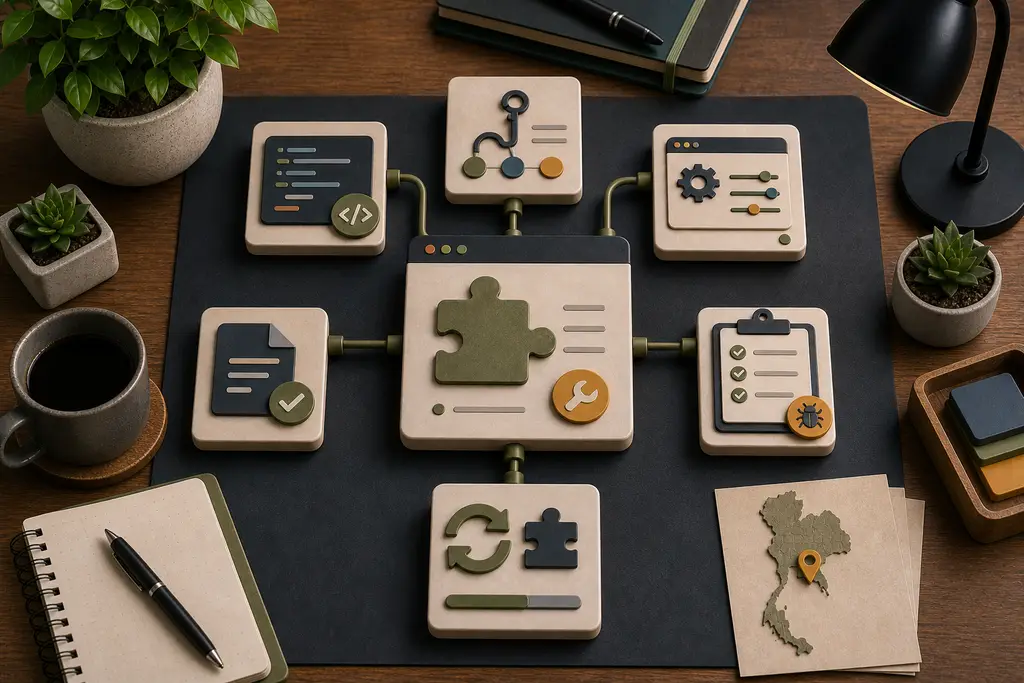
Start with what the plugin owns
Before changing code, define the plugin’s responsibility.
- What data does it read or write?
- Which hooks does it use?
- Does it affect checkout, forms, or booking?
- Does it call external APIs?
- Does it create admin screens or custom post types?
- Does it depend on other plugins?
- What would break if it were disabled?
This keeps the fix tied to the business workflow instead of becoming a blind code edit.
Common custom plugin problems
Typical issues include:
- PHP compatibility errors
- Broken hooks after plugin updates
- Admin screens that time out
- API calls without retries or logging
- Checkout or form logic failing silently
- Security checks missing around actions
- Hard-coded email addresses or URLs
- Code mixed into themes instead of plugins
Some fixes are small. Others need the plugin split, documented, or moved into a clearer structure.
Keep changes maintainable
A custom plugin should make site-specific behavior easier to maintain, not harder. Fixes should leave the next developer with clearer responsibility, safer hooks, simpler settings, and better logs.
This is part of broader WordPress developer help in Thailand and can overlap with reliable API integrations when external systems are involved.
Frequently Asked Questions
Should a broken custom plugin be fixed immediately without checking what it owns?
No. Defining what data the plugin reads or writes, which hooks it uses, and what would break if it were disabled first keeps the fix tied to the actual business workflow instead of becoming a blind code edit.
Why do custom plugins often break after a WordPress or plugin update?
Common causes include PHP compatibility errors, hooks that changed behavior after an update, and checkout or form logic that fails silently. These issues are often invisible until a specific workflow, like checkout or a booking form, stops working.
Is code mixed into a theme instead of a plugin a problem?
Yes. It makes site-specific behavior harder to maintain, harder to move between themes, and easier to lose during a redesign. Keeping business logic in a properly structured plugin makes future changes safer.
Should a fragile custom plugin always be rewritten from scratch?
Not necessarily. Some fixes are small, such as adding retries, logging, or a missing security check. Others genuinely need the plugin split or restructured, but that decision should follow from understanding the plugin’s responsibility, not come first.
When I can help
I can help diagnose and repair custom WordPress plugin code for Thailand business websites, including PHP compatibility, admin screens, forms, checkout, API calls, and operational workflows.
If a custom plugin is blocking updates or breaking a business flow, send me the issue and access context and I can suggest a practical next step.