- Published
WordPress database cleanup in Thailand
WordPress databases grow over time. Revisions, transients, sessions, logs, imports, WooCommerce records, booking data, plugin tables, and old options can all accumulate.
For Thailand business websites, the symptoms may be slow admin screens, heavy checkout, delayed search, large backups, failed exports, or hosting warnings about database size.
Do not delete first
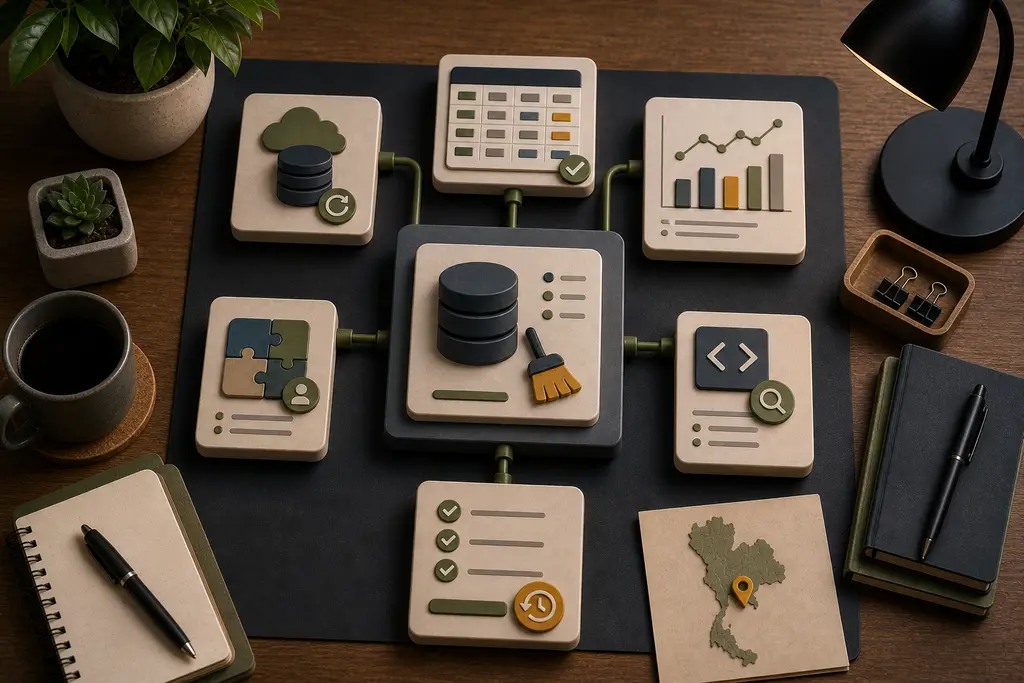
Database cleanup should start with understanding, not deletion. A table that looks old may support reporting, booking history, product data, or an integration.
Before cleanup:
- Take a database backup
- Identify large tables
- Check plugin ownership
- Review autoloaded options
- Understand scheduled tasks
- Check WooCommerce, booking, and form data
- Test changes in staging where possible
- Keep a rollback path
This is why a generic cleanup plugin can be risky on a business site.
Common cleanup targets
Useful cleanup may include:
- Excessive post revisions
- Expired transients
- Old plugin logs
- Abandoned sessions
- Unused plugin tables
- Large autoloaded options
- Search or cache tables
- Import leftovers
- Failed scheduled task records
The decision depends on the site. A villa rental site, WooCommerce shop, booking system, and brochure site do not store the same kind of data.
Performance and reliability
Database cleanup can improve admin speed, reduce backup size, and remove unnecessary work. It can also expose deeper problems: inefficient plugin queries, missing indexes, bad hosting limits, or too much custom data in the wrong place.
For broader performance context, see the WordPress performance audit and fixing a slow website in Thailand.
Frequently Asked Questions
Is it safe to run a generic cleanup plugin on a business WordPress database?
Not without checking first. A table that looks old may support reporting, booking history, or an integration a generic plugin cannot identify. Understanding what owns each table matters before anything is deleted.
Should a database backup happen after cleanup instead of before?
No. A backup should be taken before cleanup, along with identifying large tables, checking plugin ownership, and keeping a rollback path, so an unexpected deletion can be reversed.
Does database cleanup always fully fix a slow WordPress admin?
Not always. It can improve admin speed and reduce backup size, but it can also expose deeper causes such as inefficient plugin queries, missing indexes, or hosting limits that need separate attention.
Do all WordPress sites accumulate the same kind of database bloat?
No. A villa rental site, a WooCommerce shop, and a brochure site store very different kinds of data, so the useful cleanup targets depend on what the specific site actually does.
When I can help
I can review WordPress databases for Thailand business websites, identify safe cleanup opportunities, and avoid deleting data that supports active workflows.
If your WordPress admin is slow, backups are huge, or the database keeps growing, send me the symptoms and I can help review what is causing it.