- Published
Urgent WordPress help in Thailand
Urgent WordPress help is usually needed after a small change has a large effect. A plugin update breaks the layout. A PHP version change causes a fatal error. A form stops sending. Checkout fails. The admin area becomes unusable. A site owner in Thailand needs the public website back without making the damage worse.
The first step is to slow down the response enough to make it safe.
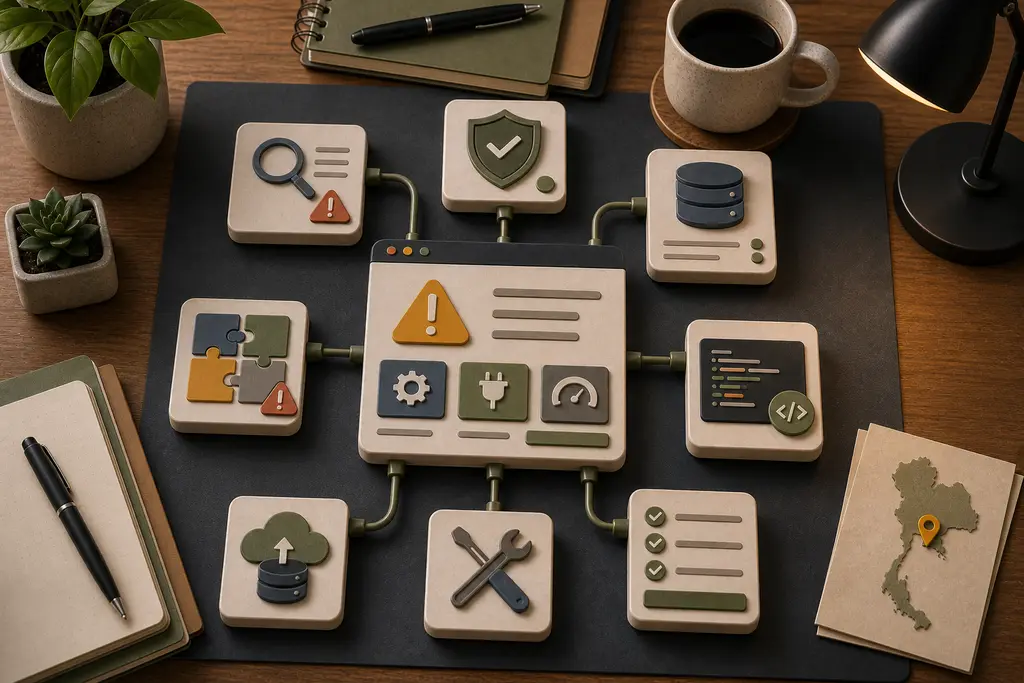
Do not keep guessing
Repeatedly disabling plugins, clearing caches, or changing settings on the live site can make the problem harder to diagnose. Before changing more, capture the current state.
Check:
- What changed before the issue started
- Whether hosting, PHP, plugins, theme, or DNS changed
- Whether backups exist and can be restored
- Whether there is a staging copy
- Whether logs show a clear error
- Which pages or flows are affected
This is basic incident handling. It matters just as much for a small business website as it does for a larger system.
Common WordPress emergencies
The most common issues are practical:
- Fatal PHP errors after updates
- Plugin conflicts
- Broken forms or email delivery
- Checkout and payment failures
- Theme template errors
- Admin screens timing out
- Security plugin lockouts
- Cache rules serving stale or broken pages
- Database tables growing too large
Some can be fixed quickly. Others reveal a deeper maintenance problem that should be cleaned up after the immediate recovery.
Recover first, then improve
The priority is to get the business-critical parts working again: contact forms, booking requests, checkout, visible content, and admin access.
Once the site is stable, look for the cause. If a plugin failed because PHP support changed, document that. If updates are risky because there is no staging environment, fix the workflow. If the theme contains custom code nobody understands, isolate that risk.
This connects to WordPress developer help in Thailand and website support in Thailand. Emergency work should lead to calmer maintenance.
Backups are not enough
Backups help only when they are recent, complete, and restorable. A backup that excludes uploads, database tables, or configuration may not solve the problem.
For Thailand businesses that depend on enquiries, bookings, or ecommerce, a safer setup includes tested backups, controlled updates, admin access documentation, and a rollback path.
Frequently Asked Questions
Should you keep disabling plugins and changing settings on a live broken site?
No. Repeatedly changing things on the live site can make the problem harder to diagnose. Capturing the current state first, such as what changed before the issue started and whether logs show a clear error, matters more than acting fast.
Is a backup enough to guarantee a safe recovery?
No. A backup only helps when it is recent, complete, and restorable. A backup that excludes uploads, database tables, or configuration may not actually solve the problem when it is needed.
Should every WordPress emergency be treated the same way?
No. Some issues, like a plugin conflict, can be fixed quickly, while others, like a database that has grown too large, reveal a deeper maintenance problem that needs attention after the immediate recovery.
Is the emergency fix the end of the work once the site is back online?
No. Once the site is stable, the cause still needs identifying, such as a missing staging environment or undocumented custom theme code, so the same emergency does not repeat.
When I can help
I can help diagnose broken WordPress updates, plugin conflicts, form failures, checkout issues, performance problems, and recovery workflows for Thailand-related businesses.
For urgent work, send the URL, what changed, what is broken, and what access is available. If the site can be recovered safely, I can review the repair path and explain the risks before changing the live system. Contact me here.