- Published
A controlled workflow for changing existing codebases with Codex
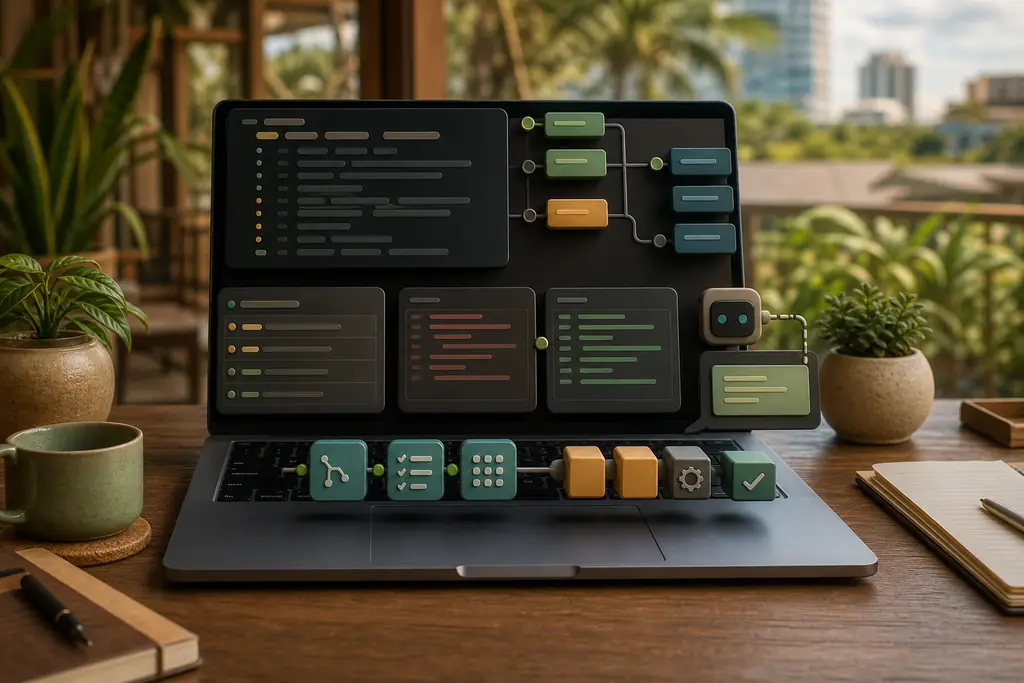
Codex CLI is useful because it works close to the repository. It can inspect files, reason about changes, edit code, and use command output as part of the workflow when permissions allow it.
That makes it a better fit than a browser chat for many real website tasks: debugging a build, tracing a failing import, adjusting a component, reviewing a diff, or making a small backend fix.
Use it for repository-shaped tasks
Codex CLI is not only for generating snippets. It is strongest when the task depends on the shape of the project.
Good examples:
- Find where a route is generated
- Explain why a build fails
- Add a small Astro component change
- Update one content schema safely
- Trace a Laravel controller through a service
- Review a WordPress theme change for regressions
- Run the relevant check command and summarize the result
For Thailand businesses with existing sites, the value is practical. The tool can follow local conventions instead of guessing from a pasted file.
Keep Git visible
Before using a coding agent, the working tree should be understandable. I want to know what changed before the task starts and what changed after the task ends.
A useful pattern is:
- Check the current Git status.
- Ask Codex to inspect relevant files before editing.
- Keep the task narrow.
- Review the patch.
- Run the smallest useful validation command.
- Ask for a short risk summary.
This keeps the change reviewable. It also helps when a business website has local edits, old plugin code, or hosting-specific behavior that should not be overwritten casually.
Add clear AGENTS.md instructions
Codex uses project instructions to understand local rules. A good AGENTS.md can say which package manager to use, where shared components live, which commands matter, and what not to change without approval.
For example, a Thailand-focused website project might include rules about keeping /contact/ links intact, preserving existing slugs, checking performance, and not changing structured data unless the visible content supports it.
This overlaps with the broader workflow in how to get started programming with AI and the instruction-file setup in AGENTS.md and CLAUDE.md for Thailand projects.
Use a second pass for review
For important work, I do not stop after the first patch. I often ask for a review pass focused on regressions, security, SEO, performance, and deployment risk.
That review can happen with Codex itself, with Claude, or manually. The point is not which tool gives the final word. The point is that no AI-generated patch should go straight into production without a proper diff review.
For more detail, see AI code review with Claude and Codex in Thailand.
Frequently Asked Questions
Is Codex CLI only useful for generating code snippets?
No. It is strongest on repository-shaped tasks such as finding where a route is generated, explaining a build failure, tracing a controller through a service, or running a check command and summarizing the result, where following local conventions matters more than a standalone snippet.
Should the working tree be clean before starting a Codex CLI task?
Yes. Checking Git status first, keeping the task narrow, and reviewing the patch afterward keeps the change reviewable, which matters most when a business website has local edits or hosting-specific behavior that should not be overwritten casually.
Does an AGENTS.md file replace the need to review Codex’s changes?
No. AGENTS.md gives Codex local rules such as which package manager to use or what not to change without approval, but a reviewed diff is still required. No AI-generated patch should go straight into production without a proper review pass.
Should the same tool that wrote a Codex patch also review it?
Not necessarily. A second pass focused on regressions, security, SEO, performance, and deployment risk can happen with Codex itself, with Claude, or manually. What matters is that the review happens, not which tool provides it.
When I can help
I can use Codex CLI as part of practical repository work for Thailand business websites: small fixes, content tooling, Astro builds, PHP or Laravel debugging, API integrations, and careful review before deployment.
If you have a repository that needs a scoped fix or review, send me the problem and the project context and I can suggest a practical next step.